Browse weather by state and country
Weather has a page for every U.S. state and for countries around the world. Each shows its biggest cities side by side with the conditions now and today's high and low, so you can compare them at a glance and open any one.
#The United States
Select U.S. states in the row of Weather pages. The page lists every state, the major cities and the national weather news. A small number beside a state is how many alerts are in effect there.
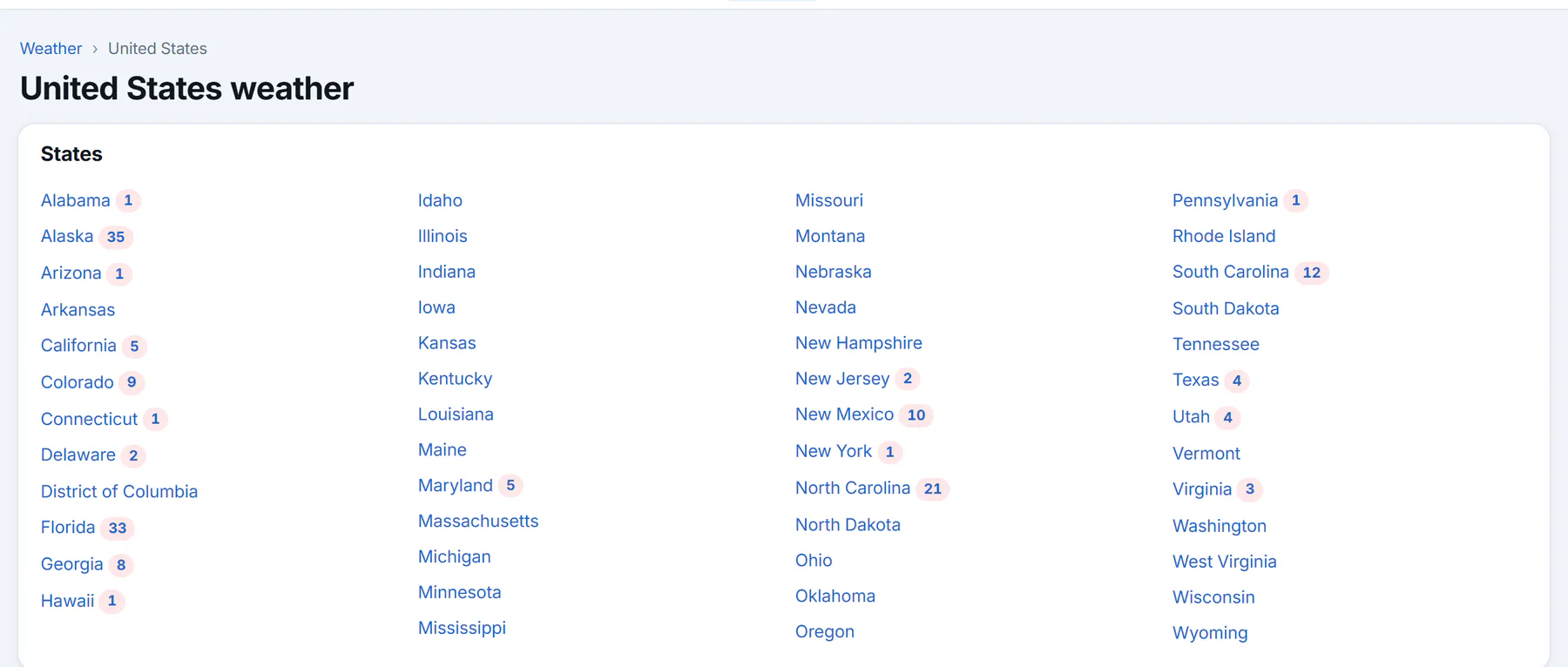
The states, each a link to its page. The numbers are active alerts.
- 1A state: its cities, alerts and radar
- 2Number of active alerts in that state
The Weather overview also has a Major U.S. cities table, with a By state link.
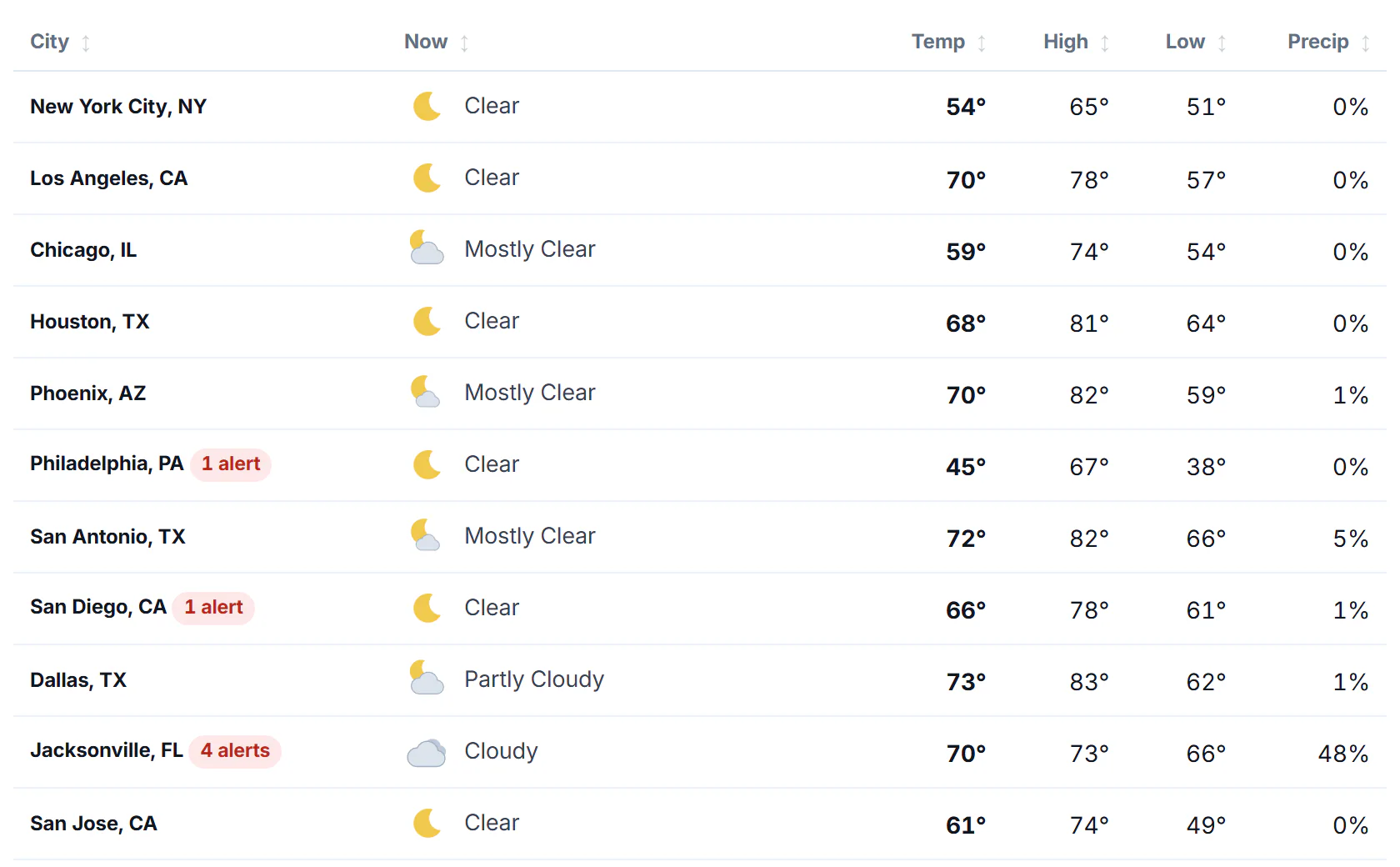
Major U.S. cities. A red tag marks a city with an alert in effect.
- 1Select a heading to sort the table
- 2A city: opens its forecast
- 3This city has an alert in effect
#A state's page
Select a state, or search for it by name, such as Texas. A state's page has:
- Alert bars at the top, when alerts are in effect, with a link to all of them.
- Cities, a table of its biggest cities with the conditions now, the temperature, the high, the low and the chance of precipitation.
- Radar, a map of the state with the radar and warnings layers, and a link to the full map.
- Weather news from the state.
- More places, a longer list of towns and cities in the state.
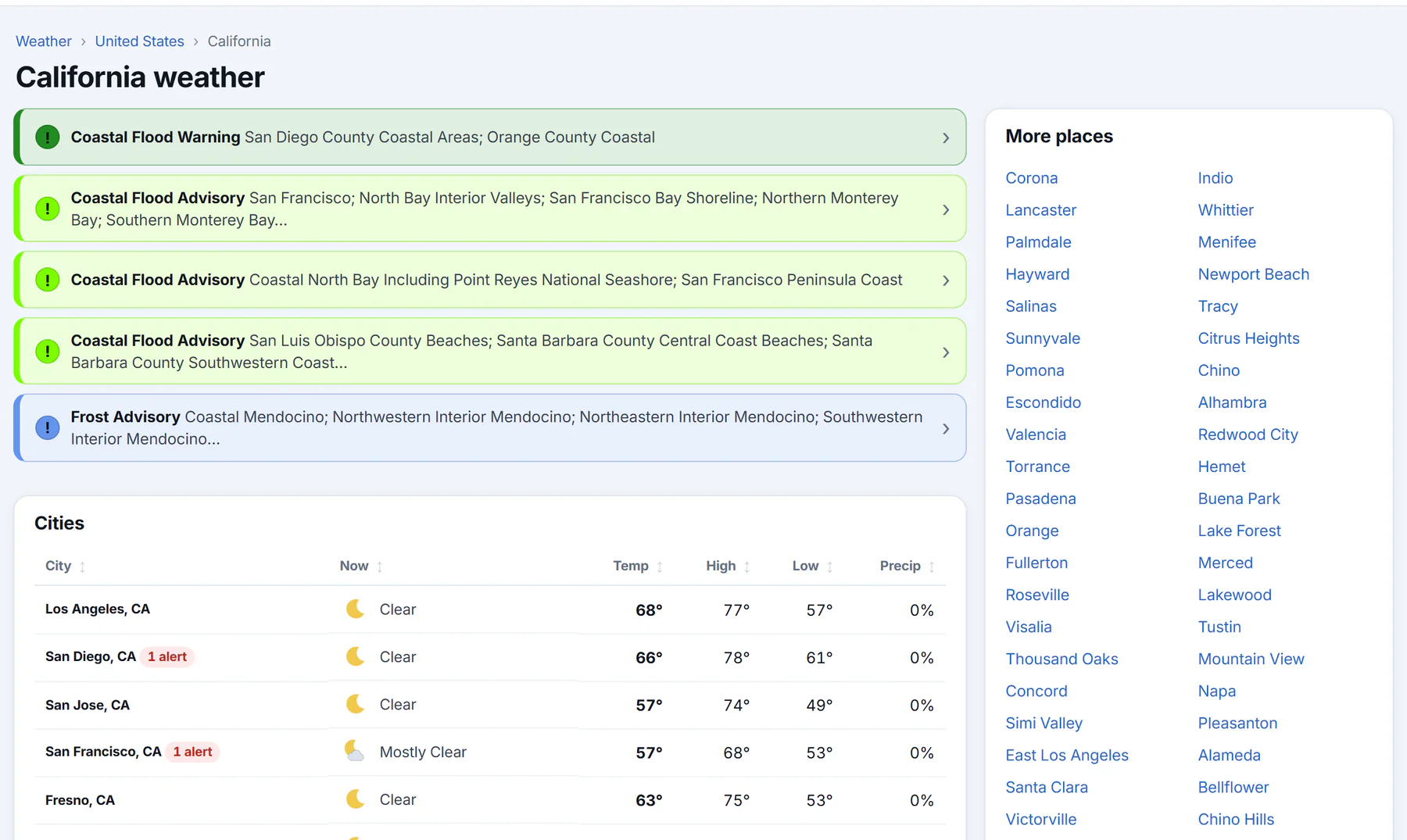
A state's page: alerts at the top, the cities table and more places on the right.
- 1Back to the United States
- 2Select a heading to sort the cities
- 3A city
- 4More places in the state
#A country's page
Search for a country by name, such as France, or select the country in the path at the top of a place's page. A country's page has its biggest cities in the same kind of table, its weather news and more places. Its temperatures are in the units the country uses.
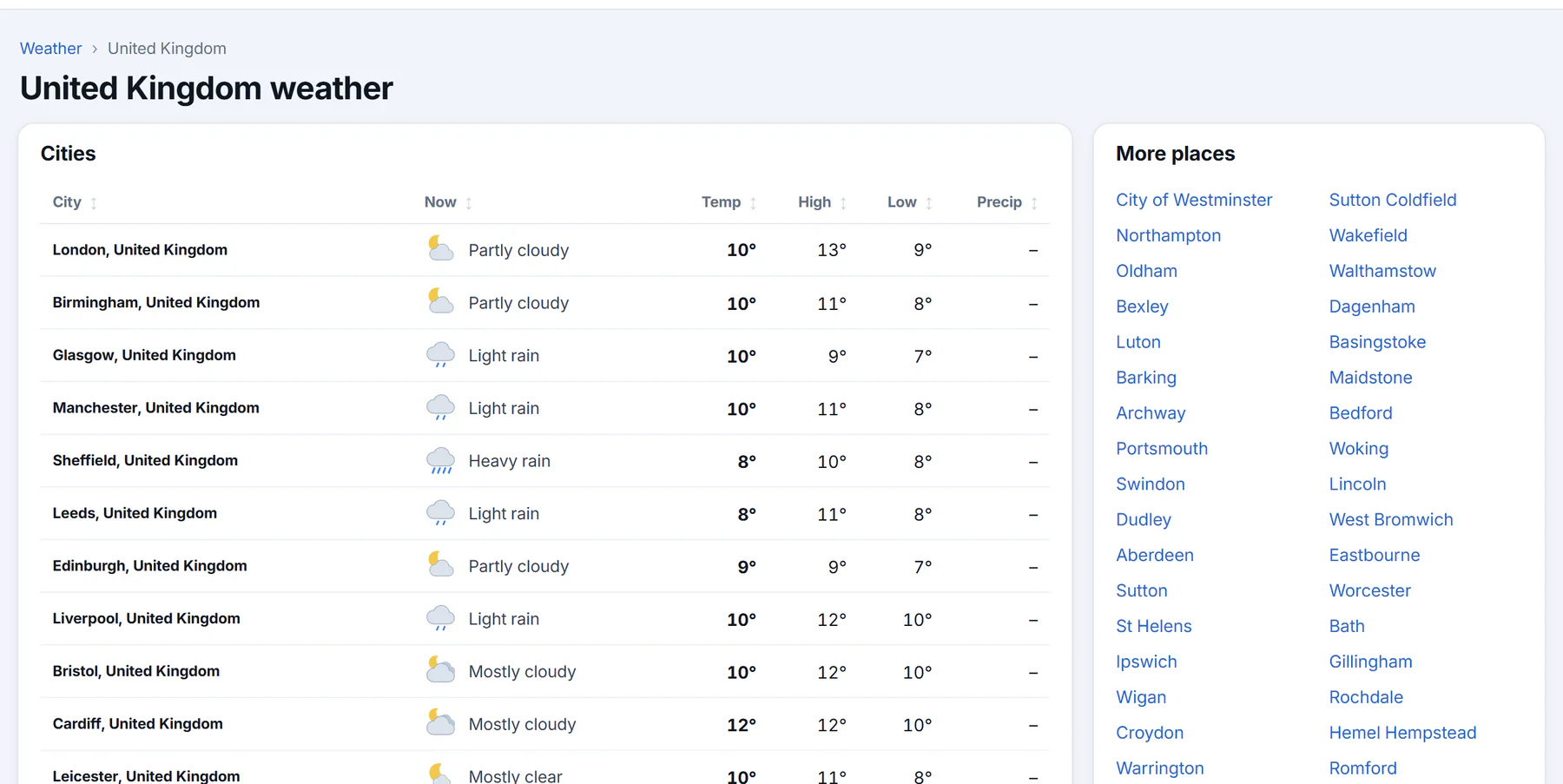
A country's page. Rows that say the forecast is loading fill in shortly afterwards.
- 1Back to Weather
- 2Select a heading to sort
- 3A city
#Using the tables
- Select a column heading to sort by it. Select it again to reverse the order, and a third time to go back to the original order.
- Select a city to open its forecast.
- A row that says Forecast loading — check back in a minute fills in when its forecast arrives.
#Common questions
Why is my town not in the table?
The table lists the biggest cities. Look in More places, or search for your town.
Why are the temperatures on a country's page in Celsius?
A country's page uses that country's own units. A place's page has a °F and °C switch. See Switch between °F and °C.
Where is the Overview's list of world cities?
The Around the world box on the Weather overview lists major cities elsewhere with their temperature now. Select one to open its forecast.